FAMILIAR LEGENDS
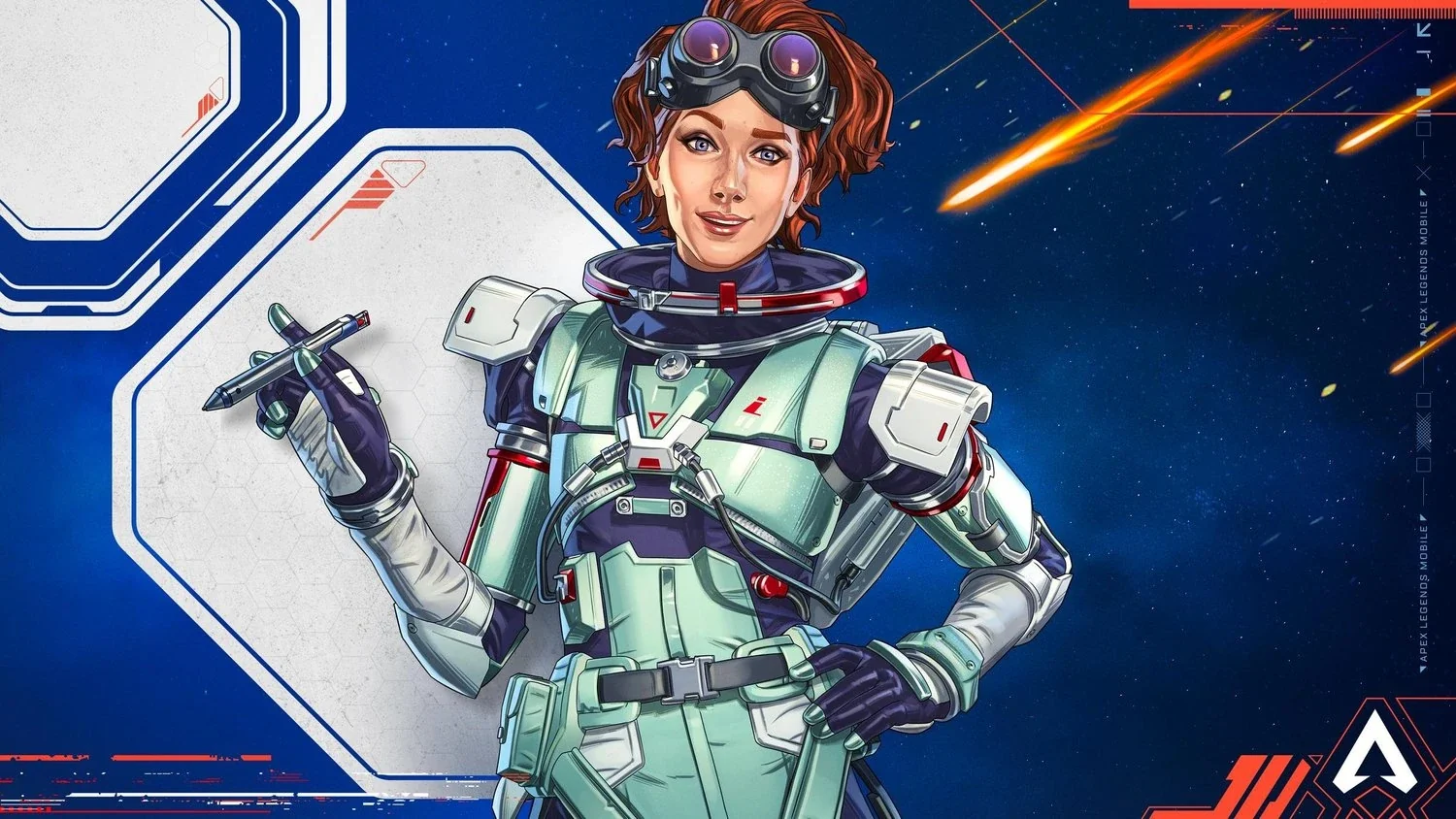
The original mobile roster and Aspire's Horizon are part of the client. Their kits are being restored.
The Outlands are calling again. Rediscover Apex Legends Mobile with a community bringing it back, one update at a time.
That first drop. Your favorite legend. One more game with the squad.
We're restoring the mobile experience you remember. This is an evolving community build, with working account linking and a growing gameplay foundation. Expect bugs and unfinished features along the way.
About Aspire: VibezThe original mobile roster and Aspire's Horizon are part of the client. Their kits are being restored.
Create an Aspire: Vibez account, link your device, and keep your player identity together.
Test the latest build, share what you find, and help shape the next update.
Install the Android launcher. It downloads the game and its required data for you.
New here? Create an account. Already have one? Sign in — do not create a second account. Then open the game, tap Guest, and confirm the device on your account page.
Once your device is linked, tap Guest again to sign in with your Aspire: Vibez account.
Progress updates, installation help, and bug reports. Join the players building this next chapter with us.
Join our DiscordThis is an independent community revival. It uses its own accounts and servers and is not an EA or Respawn service. It is still in development, so some gameplay and features are unfinished.
Download the Android launcher from this site, install it, then press INSTALL. Allow the installation and file access requested by Android. The launcher downloads the game and both required OBB data files. Create an account here, open the game, and follow the device-linking steps.
Create an account or sign in on this website first. On your Account page, click "Link my device" (new accounts are armed automatically for 10 minutes), then open the game on the same Wi-Fi/network and tap Guest once ? it links automatically and signs you straight into the lobby.